Read your calls, speaker by speaker
Follow the conversation as text with speaker labels. Review what each person said, edit the transcript and assign speaker names yourself. Speaker separation does not automatically confirm a person's identity.

CallWaNote · Android
CallWaNote uses AI to turn compatible call recordings into text and separate speakers, so you can read who said what on Android.
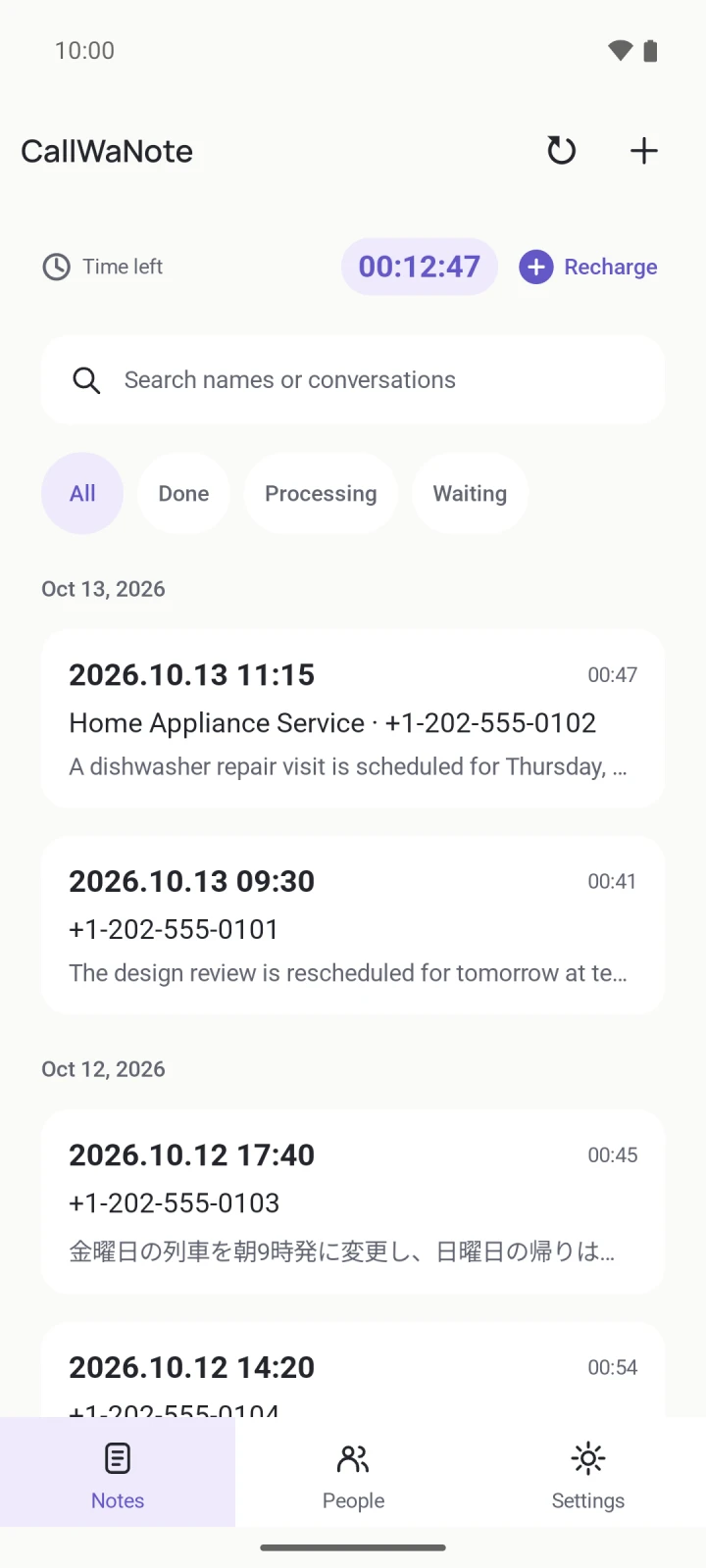
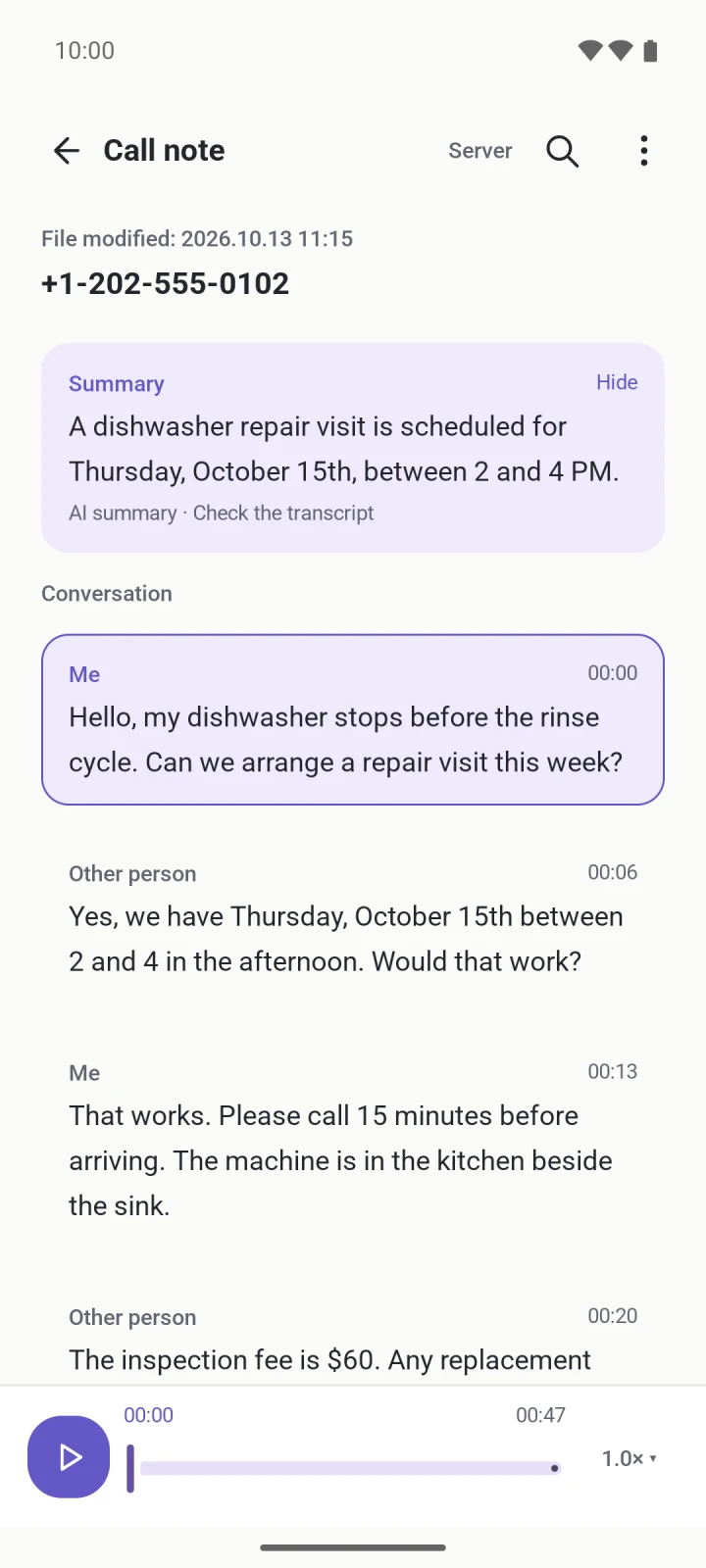
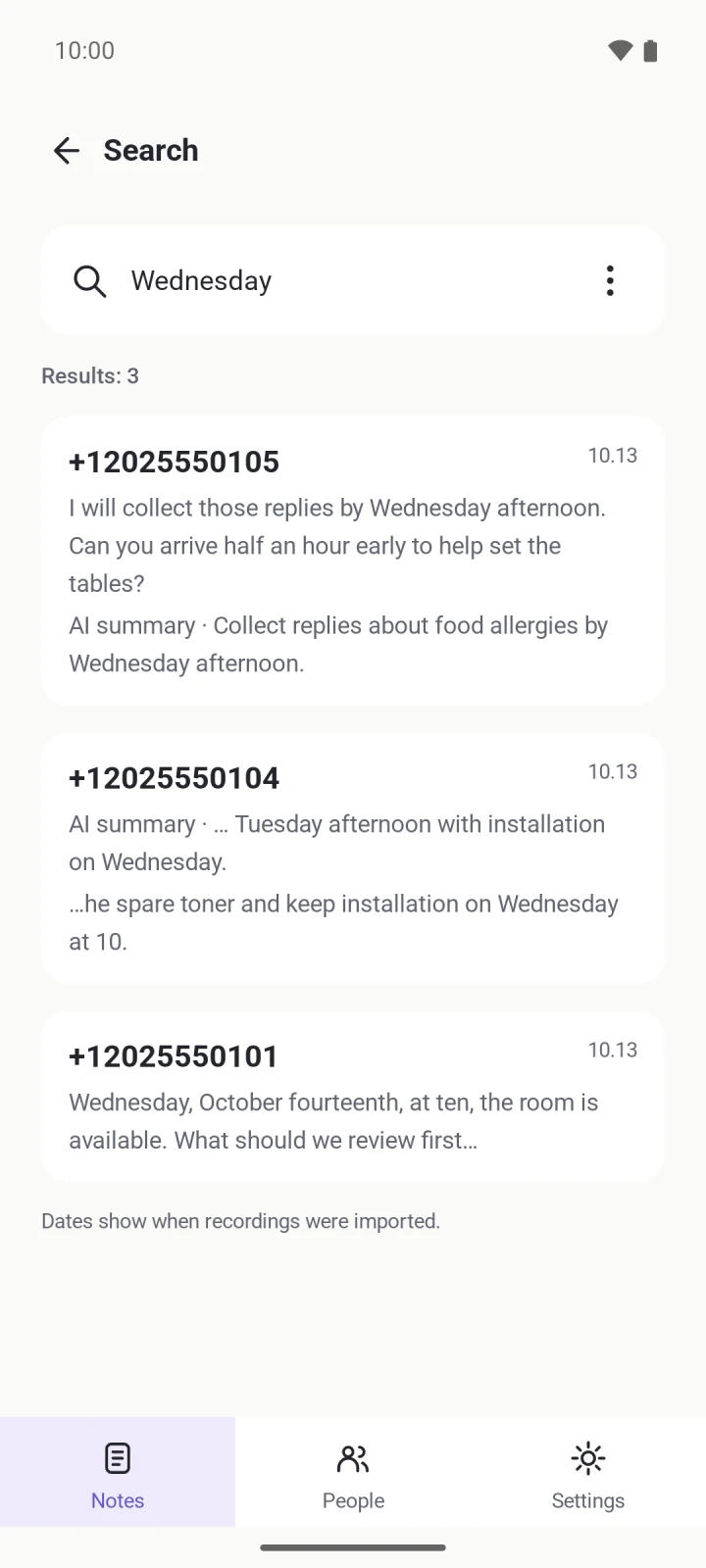
App screens show sample conversations. Appearance may vary by version and settings.
Follow the conversation as text with speaker labels. Review what each person said, edit the transcript and assign speaker names yourself. Speaker separation does not automatically confirm a person's identity.
Tap a transcript segment to hear that moment in the original audio. During playback, the current segment is highlighted so you can follow the conversation.
Read an AI summary for the main points, then return to the full conversation for context. Search your notes and transcripts, add personal memos and share selected summaries or conversations. Recordings are organized by date.
AI text and speaker separation can contain mistakes. Check important details against the original audio and follow applicable recording and consent rules.
Connect a compatible recording source or import files. CallWaNote does not record phone calls.
Audio is sent to your selected conversion service: Server, or a supported direct provider with your own API key. Server uses conversion time; direct providers have their own limits and charges. Choose call and summary languages separately from the app display language, and add personal vocabulary or work context.
PrivacyConnect your Google account for one-way backup of recordings and note metadata, including transcripts and summaries when ready. Drive is optional; disconnect it in Settings. Restore missing recordings and notes without replacing existing edits.
The app sends usage statistics and ad measurement data to Google Analytics. Recordings, conversations, names and phone numbers are never sent. Turn it off anytime in Settings.